

What’s Been Up
Cloudglow skin is the latest K-beauty trend to try this festive season
Read Now


Finding the right foundation hasn’t always been easy. For years, many people have had to make do with shades that didn’t quite match. Some are too light, too deep or simply off in undertone. It often meant compromising, adjusting or settling, because the right option just wasn’t there.
This changed when Fenty Beauty launched in 2017. It showed up for everyone with 40 foundation shades spanning a full spectrum of skin tones and undertones. The brand set a new standard for what inclusive beauty could look like. Warm, cool neutral, every undertone was considered, and every complexion was accounted for.
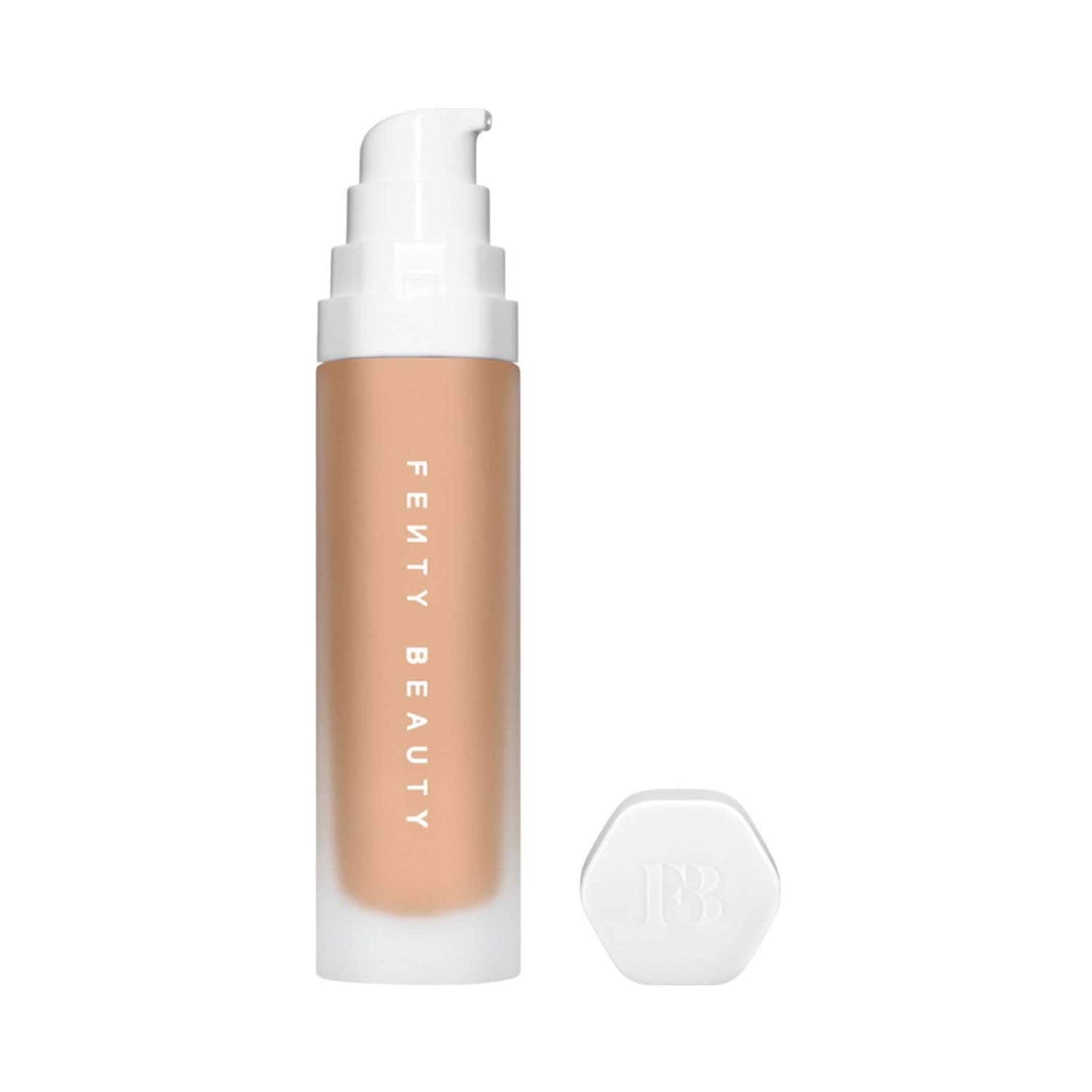
Soft’Lit is one of those foundations that makes people ask, “Are you wearing anything?” It feels like nothing, but delivers everything. Think glow, coverage, hydration and wear that lasts from early morning to late-night dinner. The finish leans luminous, not shiny, and gives skin a fresh, second-skin look that’s equal parts polished and lived-in. If you're shade 240 (golden undertone, medium depth), it’s a particularly beautiful match for Rihanna herself—but the full 50-shade range means there’s a skin twin for everyone.
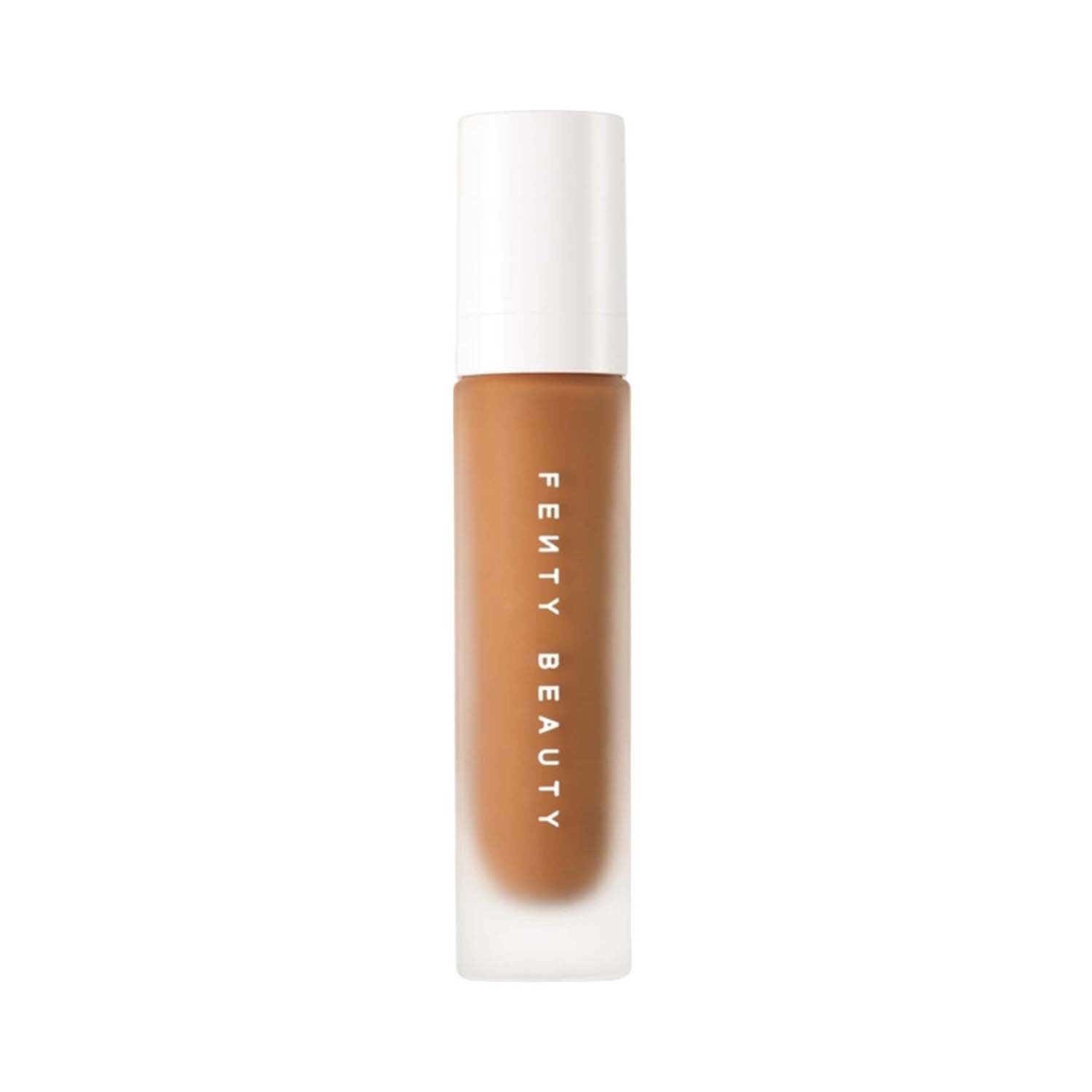
That commitment to inclusivity has only deepened since. Today, both the Fenty Beauty Pro Filt'r Soft Matte Foundation and the Soft'Lit Naturally Luminous Foundation are available in 50 shades each, because finding a foundation that truly matches your skin should never feel like a compromise. And now, with the Tira x Fenty Beauty Ki Haveli pop-up, finding your perfect match is easier than ever. At the event you can go over to the Powder Room, and one of the advisors can help you find your perfect shade.
However, if you are shopping online, you can head to Tira's website and use the shade finder to zero in on your exact shade, no guesswork, just your most seamless foundation match yet. If you've ever stood in front of a foundation display, swatching shades up your arm and still walking away unsure, the Tira Shade Finder was made for you. It takes the guesswork out of foundation shopping entirely, and using it is simpler than you'd think.
Open the Tira app and navigate to the product page of the Fenty Beauty foundation you'd like to try, whether that's the Pro Filt'r Soft Matte Foundation or the Soft'Lit Naturally Luminous Foundation. Once you're there, look for the Shade Finder icon on the page and tap on it to get started.
The tool will prompt you to scan your face. For the most accurate result, make sure you're in good, natural lighting. Step near a window if you can and avoid harsh overhead lights or shadows on your face.
Once you scan, the Shade Finder analyses your skin tone and undertone and points you to your exact foundation shade. No more guessing, no more buying two shades and returning one. Just your perfect match, found in seconds.
That commitment to inclusivity has only deepened since. Today, both the Fenty Beauty Pro Filt'r Soft Matte Foundation and the Soft'Lit Naturally Luminous Foundation are available in 50 shades each, because finding a foundation that truly matches your skin should never feel like a compromise. And now, with the Tira x Fenty Beauty Ki Haveli pop-up, finding your perfect match is easier than ever. At the event you can go over to the Powder Room, and one of the advisors can help you find your perfect shade.
However, if you are shopping online, you can head to Tira's website and use the shade finder to zero in on your exact shade, no guesswork, just your most seamless foundation match yet. If you've ever stood in front of a foundation display, swatching shades up your arm and still walking away unsure, the Tira Shade Finder was made for you. It takes the guesswork out of foundation shopping entirely, and using it is simpler than you'd think.
Open the Tira app and navigate to the product page of the Fenty Beauty foundation you'd like to try, whether that's the Pro Filt'r Soft Matte Foundation or the Soft'Lit Naturally Luminous Foundation. Once you're there, look for the Shade Finder icon on the page and tap on it to get started.
The tool will prompt you to scan your face. For the most accurate result, make sure you're in good, natural lighting. Step near a window if you can and avoid harsh overhead lights or shadows on your face.
Once you scan, the Shade Finder analyses your skin tone and undertone and points you to your exact foundation shade. No more guessing, no more buying two shades and returning one. Just your perfect match, found in seconds.


That commitment to inclusivity has only deepened since. Today, both the Fenty Beauty Pro Filt'r Soft Matte Foundation and the Soft'Lit Naturally Luminous Foundation are available in 50 shades each, because finding a foundation that truly matches your skin should never feel like a compromise. And now, with the Tira x Fenty Beauty Ki Haveli pop-up, finding your perfect match is easier than ever. At the event you can go over to the Powder Room, and one of the advisors can help you find your perfect shade.
However, if you are shopping online, you can head to Tira's website and use the shade finder to zero in on your exact shade, no guesswork, just your most seamless foundation match yet. If you've ever stood in front of a foundation display, swatching shades up your arm and still walking away unsure, the Tira Shade Finder was made for you. It takes the guesswork out of foundation shopping entirely, and using it is simpler than you'd think.
Open the Tira app and navigate to the product page of the Fenty Beauty foundation you'd like to try, whether that's the Pro Filt'r Soft Matte Foundation or the Soft'Lit Naturally Luminous Foundation. Once you're there, look for the Shade Finder icon on the page and tap on it to get started.
The tool will prompt you to scan your face. For the most accurate result, make sure you're in good, natural lighting. Step near a window if you can and avoid harsh overhead lights or shadows on your face.
Once you scan, the Shade Finder analyses your skin tone and undertone and points you to your exact foundation shade. No more guessing, no more buying two shades and returning one. Just your perfect match, found in seconds.